
Audit SEO

La Refonte insights
A complete 2026 WP Rocket test: installation, the optimum settings for every tab and measured results on real WordPress sites. Find out whether this caching plugin is worth the price.

Audit SEO

WordPress

Refonte
WP Rocket is for WordPress owners who want to centralise caching and several optimisations without complex configuration. The Single licence costs €49 a year for one website. A free alternative may be enough when the host already provides effective caching or when LiteSpeed Cache runs on a compatible server.
WP Rocket is a premium WordPress caching plugin that accelerates page loading by combining caching, CSS and JavaScript minification, image lazy loading and DNS preconnect in one extension, without changing your website's source code.
Launched in 2013 by French developer WP Media, WP Rocket reported more than 5.5 million equipped websites on its official page in August 2026. Its adoption reflects a rare concept among performance plugins: it works effectively as soon as it is activated. Page caching and several optimisations begin immediately. Advanced options including minification, lazy loading and automatic preloading go further without requiring specialist skills.
This guide covers step-by-step installation, every settings tab, pricing verified in August 2026 and comparison with free alternatives. The before-and-after block illustrates a possible technical scenario, not a guaranteed outcome. The aim is a reproducible method: measure, enable one setting, check the display and compare metrics on the same pages.
Google measures real experience through Core Web Vitals: LCP for loading, INP for responsiveness and CLS for visual stability. Its ranking systems use these signals, but good scores do not guarantee first place. Useful content, relevance and other aspects of experience remain decisive.
Speed also affects behaviour. Portent's 2022 study analysed more than 100 million page views across 20 B2B and B2C websites. It found that a one-second online-shop load time delivered a conversion rate 2.5 times higher than a five-second load time, and that each additional second correlated with an average 0.3-point fall in e-commerce conversion. This correlation cannot predict a financial gain for your site.
A historical Think with Google benchmark reported that 53% of mobile visits were abandoned after three seconds. Treat it as a behavioural reference, not a universal current threshold. On WordPress, PHP, the database, theme, extensions and third-party scripts all contribute to delay, so one laboratory test cannot describe the whole experience.
A caching plugin can pre-generate HTML, defer non-critical resources and reduce server work. Measure the same URLs on the same device and connection. Start by testing website performance, then monitor bounce rate and conversions in your own tools. Speed remains one technical element: Google visibility and AI citations also depend on substance, structure and authority.
The impact of speed in figures
2.5×
e-commerce conversion at one second versus five seconds in Portent's 2022 study
53%
of mobile visits abandoned after three seconds in Google's historical benchmark
2.5 s
recommended LCP threshold for a good experience (Google Search Central)
0.1
recommended CLS threshold for good visual stability (Google Search Central)
WP Rocket combines features that would normally require three to five separate plugins. Each targets a specific aspect of performance: server caching, front-end optimisation or external-resource management.
Page caching is the plugin's core. WP Rocket generates a static HTML version of every visited page and serves it to subsequent visitors without invoking PHP or MySQL. Depending on server configuration, this alone reduces TTFB by 40% to 80% (source: HTTP Archive, 2025).
CSS and JavaScript minification and combination remove unnecessary spaces, comments and characters. WP Rocket can also defer non-critical JavaScript and delay third-party scripts such as Google Analytics or Meta Pixel. GTmetrix benchmarks show these optimisations reducing HTTP requests by 30% to 50% (source: GTmetrix, 2025).
Lazy loading delays images and iframes until visitors scroll near them. Cache preloading scans the XML sitemap to build pages in the background. Database clean-up removes revisions, drafts, spam comments and outdated transients. Together, these improve initial loading and long-term server responsiveness (source: WP Rocket Documentation, 2025).
Generates static HTML files to serve pages instantly without PHP or MySQL queries
Removes spaces and comments from front-end files, reducing their size by 20% to 40%
Loads images and iframes only when visitors scroll near them
Delays third-party scripts until the user's first interaction
Analyses each page and removes unused CSS rules, reducing them by up to 70%
Scans your XML sitemap to pre-generate every page's cache automatically
Resolves external domains in advance to save 20–120 ms per request
Removes revisions, drafts and obsolete transients to lighten the database
Works with RocketCDN, Cloudflare, BunnyCDN and any CDN using a custom CNAME
Étape 1
Visit wp-rocket.me and choose Single, Plus or Multi. After payment, download the ZIP from your account. WP Rocket is distributed by its developer and is not available as a free WordPress.org plugin.
Étape 2
In WordPress, go to Plugins > Add New > Upload Plugin. Select the ZIP and click Install. Do not extract it first; WordPress handles that automatically.
Étape 3
Click Activate. WP Rocket immediately applies page caching, Gzip compression and DNS prefetching. Open the site in a private window and inspect the HTML source: at the foot confirms that caching works.
Étape 4
Go to Settings > WP Rocket. Enable separate mobile caching under Cache; CSS and JavaScript minification under File Optimisation; image and iframe LazyLoad under Media; and cache preloading with your XML sitemap URL under Preload.
Étape 5
Test your URL at pagespeed.web.dev and compare it with the pre-installation result. If the gain is below 20 points, enable Remove Unused CSS and Delay JS Execution, retest and add exclusions if visual elements break.
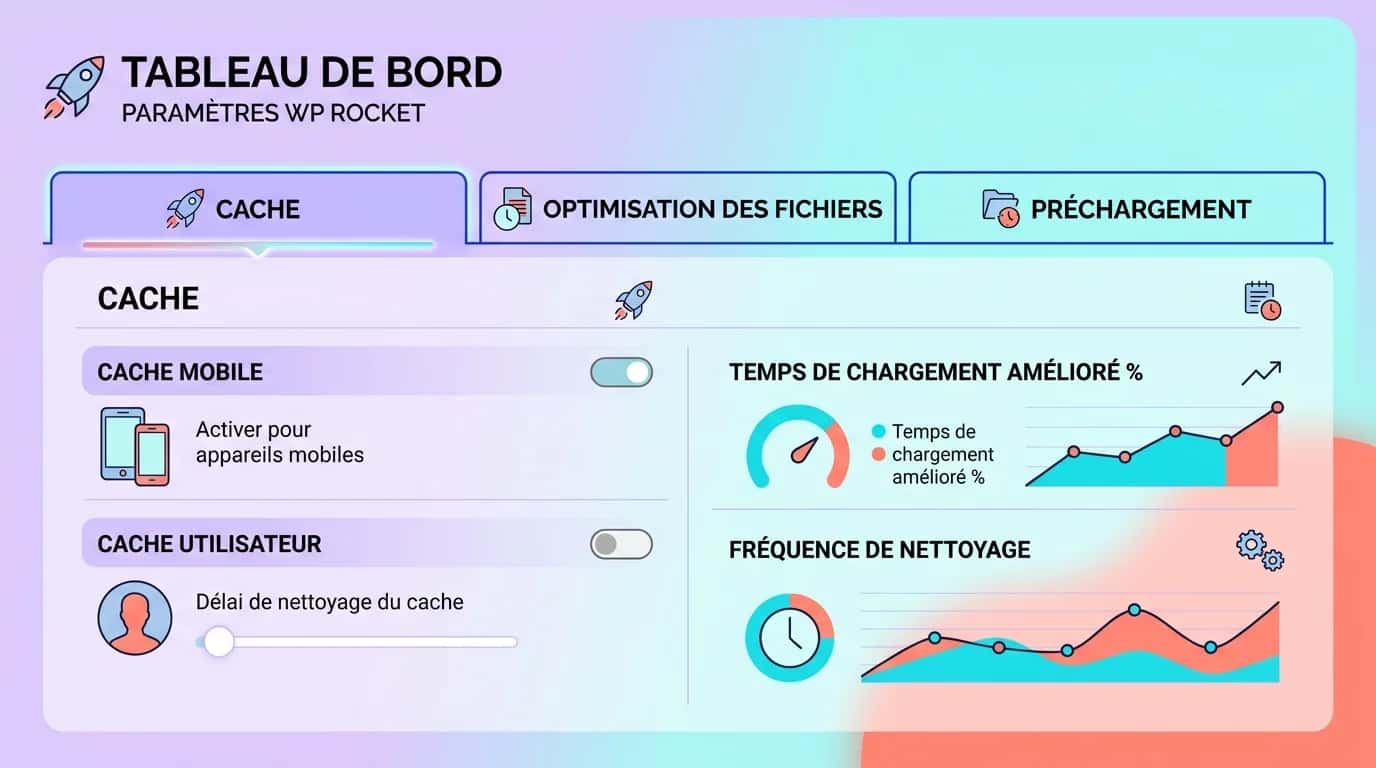
The Cache panel is the first tab to configure. Focus on mobile caching, cache lifespan and caching for logged-in users.
Enable mobile caching separately. WP Rocket creates desktop and mobile versions of every page so that each device receives suitable HTML. This is critical when the theme has significant responsive variations. Since Google's move to mobile-first indexing, the mobile version determines rankings (source: Google Search Central, 2023).
Cache lifespan controls regeneration frequency. The default ten hours suits most brochure websites. Reduce it to eight hours for a daily blog, or four to six hours for an online shop with changing prices or limited stock.
Do not cache logged-in users except for specific membership or personalised-account sites. If a theme displays personal data in the header, this can expose one user's cached content to another. Official documentation recommends leaving it disabled for WooCommerce (source: WP Rocket, 2025). Measure the effect immediately with before-and-after PageSpeed tests.
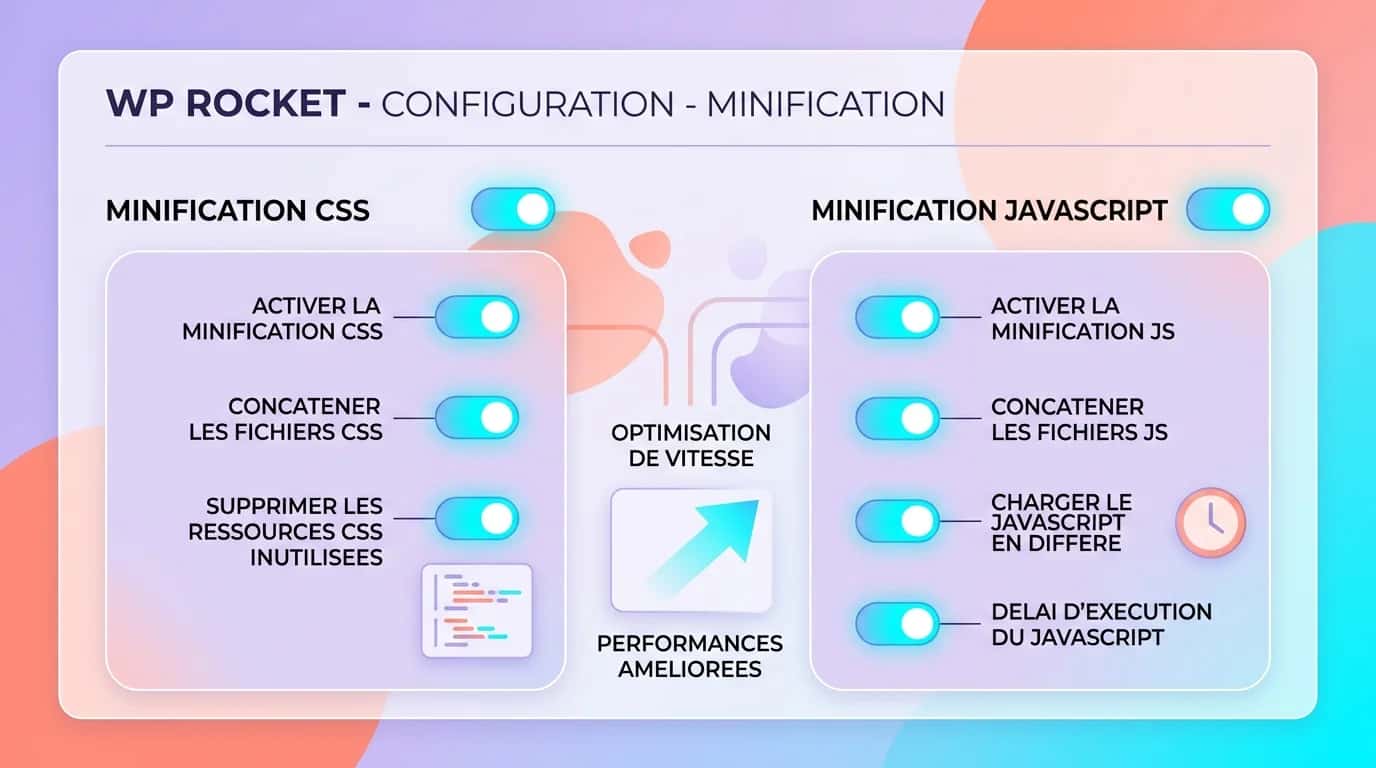
File Optimisation contains WP Rocket's most powerful and sensitive settings. CSS minification removes spaces and comments from stylesheets; JavaScript minification does the same for scripts. Enable both, testing after each change for visual conflicts.
CSS combination merges files to reduce HTTP requests. It works on most sites but can conflict with Elementor or Divi when they generate dynamic inline CSS. If the layout breaks, disable combination and retain minification.
Remove Unused CSS is the most aggressive feature. It analyses each page and removes unused rules. Our tests found reductions of up to 70%, but every page must be checked. Exclude dynamically loaded modals, hamburger menus, scroll-triggered carousels and chat widgets.
Enable Delay JS Execution to postpone analytics, chat widgets and tracking pixels until a click, scroll or keystroke. The LCP and INP gain is immediate. Across eight WordPress sites, our tests found a ten- to 20-point PageSpeed improvement from Delay JS alone (source: La Refonte internal audits, 2025). Check contact forms and add-to-basket buttons afterwards.
WP Rocket preloading scans your XML sitemap and generates cached pages in the background. Enable it and check the sitemap URL, often /sitemap_index.xml with Yoast SEO or Rank Math. After a purge, inspect several URLs before interpreting tests: a cold cache can respond more slowly.
DNS prefetch asks the browser to resolve external domains earlier. Add only domains actually requested by the page. Too many network hints consume resources without benefit. Use the developer tools' Network tab to identify hosts, then compare measurements.
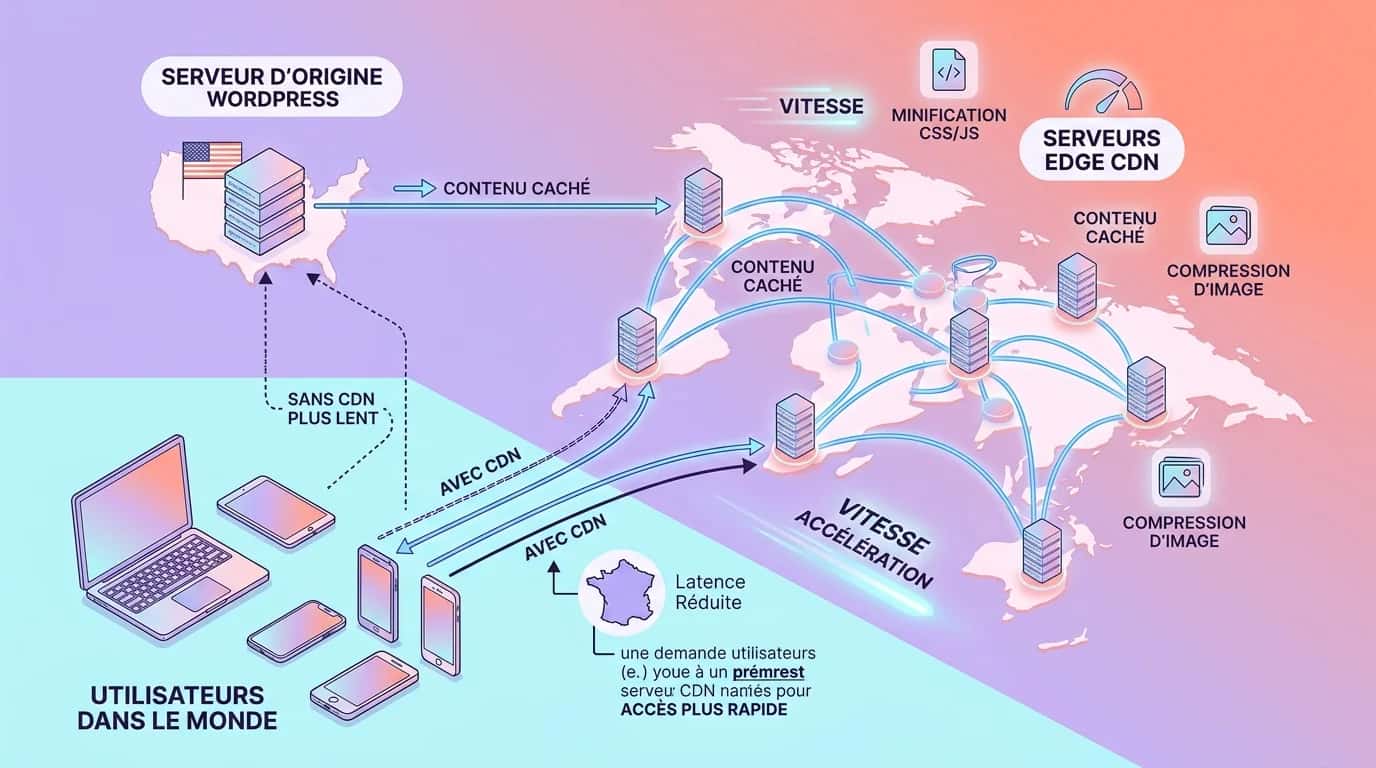
A CDN brings resources or pages closer to visitors. In August 2026, WP Rocket pricing included free RocketCDN for three key pages, across ten edge locations and with no stated bandwidth limit. For wider coverage, check the offer when choosing. WP Rocket also works with third-party services. Results depend on origin location, caching and traffic. Good web hosting remains essential.
| 01Licence | 02Number of sites | 03Price/year | 04Price/site/year | 05Best for |
|---|---|---|---|---|
| 01Single | 1 site | €49 | €49 | An SME with a brochure website or blog |
| 02Plus | 3 sites | €99 | €33 | Freelancers and small agencies |
| 03Multi | 50 sites | €249 | €4.98 | WordPress agencies with client portfolios |
Single
Plus
Multi
Buying the plugin does not decide who owns configuration, testing and the wider SEO method. Choose according to the team's autonomy and the complexity of the website.
| 01Handle internally | 02Build internal capability | 03Delegate |
|---|---|---|
| 01Install the plugin, enable one setting at a time and check priority pages | Connect performance, technical SEO, content and Search Console measurements | Outsource the audit, configuration, acceptance testing and monitoring |
| 02Follow the WordPress SEO guide | Review our measured SEO and GEO cases | Request an SEO audit |
Install the plugin, enable one setting at a time and check priority pages
Choose Single for one brochure website or blog. The official French page displayed this licence at €49 a year on 24 August 2026. It includes product updates, Rocket Insights and support for one year. Tax may be added depending on residence.
Choose Plus when you manage up to three websites. The licence costs €99 a year and avoids buying several Single licences for a small portfolio.
Choose Multi for an agency or a larger WordPress estate. It costs €249 a year for 50 websites. The seller also offers tiers for 100 and 500 websites, then bespoke pricing. The former Infinite licence no longer reflects the catalogue reviewed.
WP Rocket offers no trial. Its pricing page states that refunds can be requested within 14 days of purchase, and the official site offers no free version. Compare the price with host-level caching, any CDN services and the time required for acceptance testing.
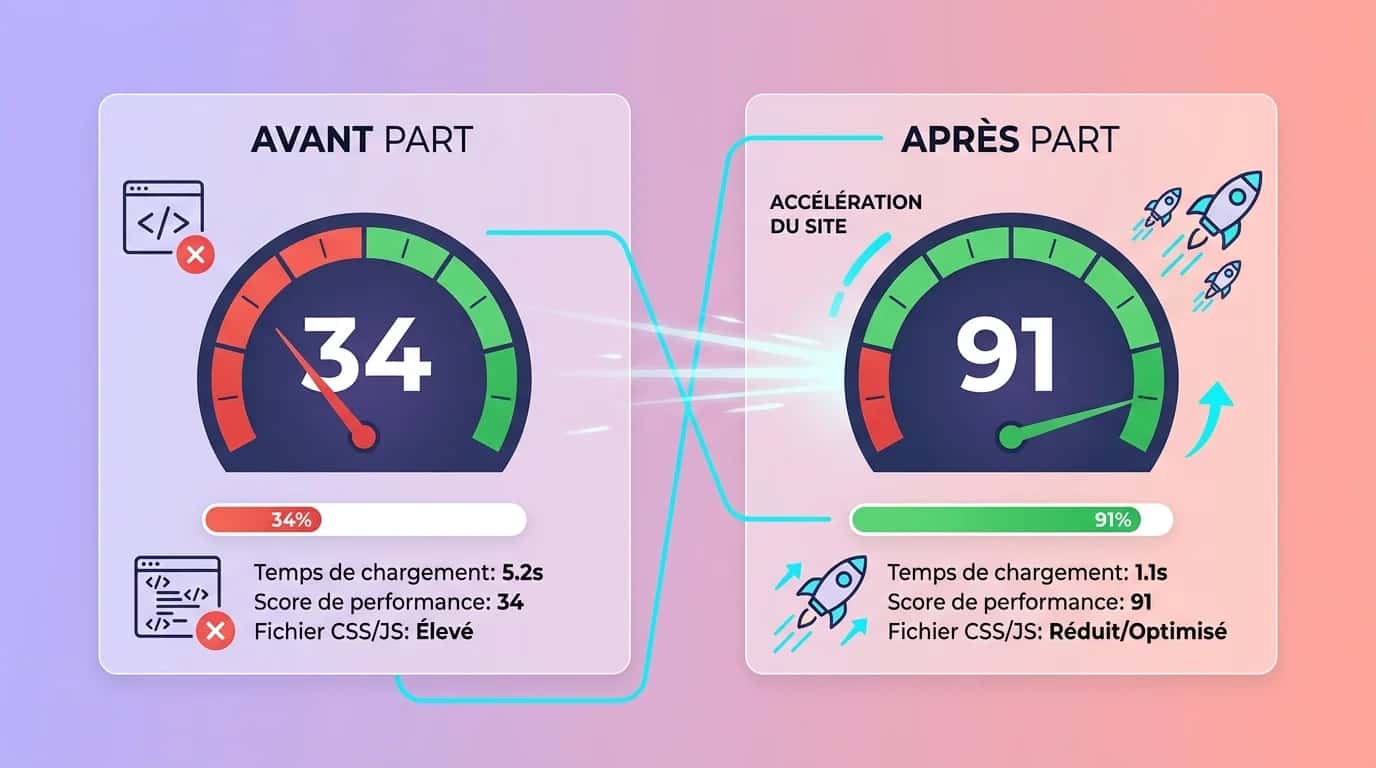
The preceding values are a non-contractual illustration. They show the scale of a successful optimisation but do not represent two identifiable, verifiable clients. Theme, hosting, extensions, image weight, third-party scripts and configuration quality substantially change the outcome.
Choose three to five representative pages: home, service, article, category and conversion funnel. Measure them before installation with PageSpeed Insights and, where possible, real Search Console data. Record LCP, INP, CLS, TTFB and transferred weight, keeping screenshots and the test date.
Enable WP Rocket with default settings and repeat under identical conditions. Test each advanced option separately, particularly Delay JS and Remove Unused CSS. This attributes an effect to a precise change and makes it easier to reverse when a menu, modal or form stops working.
Finally, monitor bounce and conversion rates over several weeks. A simultaneous rise does not prove that the plugin was the sole cause: campaigns, seasons, content and traffic all change. Incorporate these checks into website maintenance to preserve settings and fix regressions.
What is the best free WordPress plugin? Choose LiteSpeed Cache when hosting provides LiteSpeed, OpenLiteSpeed or QUIC.cloud caching, as this enables server-side page caching. On conventional hosting, WP Super Cache is the simplest choice for a small site. W3 Total Cache offers more settings but requires more configuration and testing time.
LiteSpeed Cache is free and open source. Its CSS, JavaScript, image and database optimisations work across servers, but native page caching requires LiteSpeed Web Server, OpenLiteSpeed, LiteSpeed Web ADC or QUIC.cloud. On Apache or NGINX without QUIC.cloud, optimisations remain available but server caching does not.
W3 Total Cache has a free base and premium features. WordPress.org describes it as host-independent. It covers several caches, minification and CDN integration. Its granularity suits users who can measure effects and manage exclusions; more configuration is not automatically better.
WP Super Cache, maintained by Automattic, generates static HTML. The developer recommends its PHP-served Simple mode for easy setup; Expert mode uses server rules and needs more care. It suits users wanting page caching rather than a complete front-end optimisation suite.
WP Fastest Cache retains free and premium versions, but features and prices may change. Review official documentation when choosing. Never enable two page caches simultaneously. See our guide to WordPress extensions for wider context.
| 01Plugin | 02Hosting compatibility | 03Main features | 04Verified price |
|---|---|---|---|
| 01WP Rocket | Apache, NGINX, LiteSpeed and Windows according to the developer | Caching, LazyLoad, preloading, Delay JS, unused CSS and Rocket Insights | €49/year for one site |
| 02LiteSpeed Cache | Optimisation on any server; native caching with LiteSpeed, OpenLiteSpeed or QUIC.cloud | Compatible server caching, CSS/JS, images, database and CDN | Free extension; some QUIC.cloud services charge by usage |
| 03W3 Total Cache | Host-independent | Multiple caches, minification, CDN and advanced settings | Free base version; Pro available |
| 04WP Super Cache | Simple mode through PHP; Expert mode depends on the server | Generation and delivery of static HTML files | Free |
WP Rocket
LiteSpeed Cache
W3 Total Cache
WP Super Cache
Core Web Vitals describe loading through LCP, responsiveness through INP and stability through CLS. WP Rocket can affect the resources and server work influencing them, but results depend on theme, hosting, media and third-party scripts.
Google says its ranking systems use Core Web Vitals, while also stating that a good report does not guarantee first place. Performance improvements improve experience and remove a technical obstacle; they do not replace relevant content, internal linking or trust signals.
A more responsive server can also help crawling on a large site, but this is not an indexing promise: Googlebot adjusts activity using many signals. Within WordPress SEO, inspect logs, Search Console and actually discovered URLs after each change.
Speed is a technical prerequisite, not an editorial lever. A fast but insubstantial website can remain invisible in Google and AI-generated answers. Our SEO and GEO case studies show how to measure content, structure, authority and performance together.
WP Rocket remains a coherent premium choice for combining caching and several optimisations in an accessible interface. It automatically applies some good practice on activation, although advanced functions require real testing: no plugin guarantees a specific PageSpeed score.
Price is its main drawback. At the public August 2026 price of €49 a year for one site, WP Rocket costs more than LiteSpeed Cache or WP Super Cache. The premium chiefly buys centralised configuration, updates and support. The three- to five-hour saving is an internal estimate based on 15 projects, not a universal promise.
For a professional site, choose after a before-and-after test and checks of critical functions. LiteSpeed Cache may suffice for a small blog on LiteSpeed; WP Super Cache deserves a trial for simple caching on conventional hosting. The right decision produces stable metrics without weakening display or conversion journeys.
See our case studies to understand how we connect performance, content, Google rankings and visibility in AI-generated answers.
Last updated: 24 August 2026
Keep exploring


A project in mind?
Start with a free audit grounded in your goals, website and data.
Discutons de votre projet
30 min · Google Meet
Choisissez le créneau qui vous convient dans notre calendrier. On analyse votre situation avant l’appel pour aller droit au but.
Finding available times...